Table of Contents
You’ve measured the wall twice, moved the TV stand three times, and it still feels like you’re either sitting too close or watching from an angle that gives you a stiff neck by the end of a movie. In a small living room, TV placement isn’t really about finding a wall. It’s about matching the distance and height to the seating you already have.
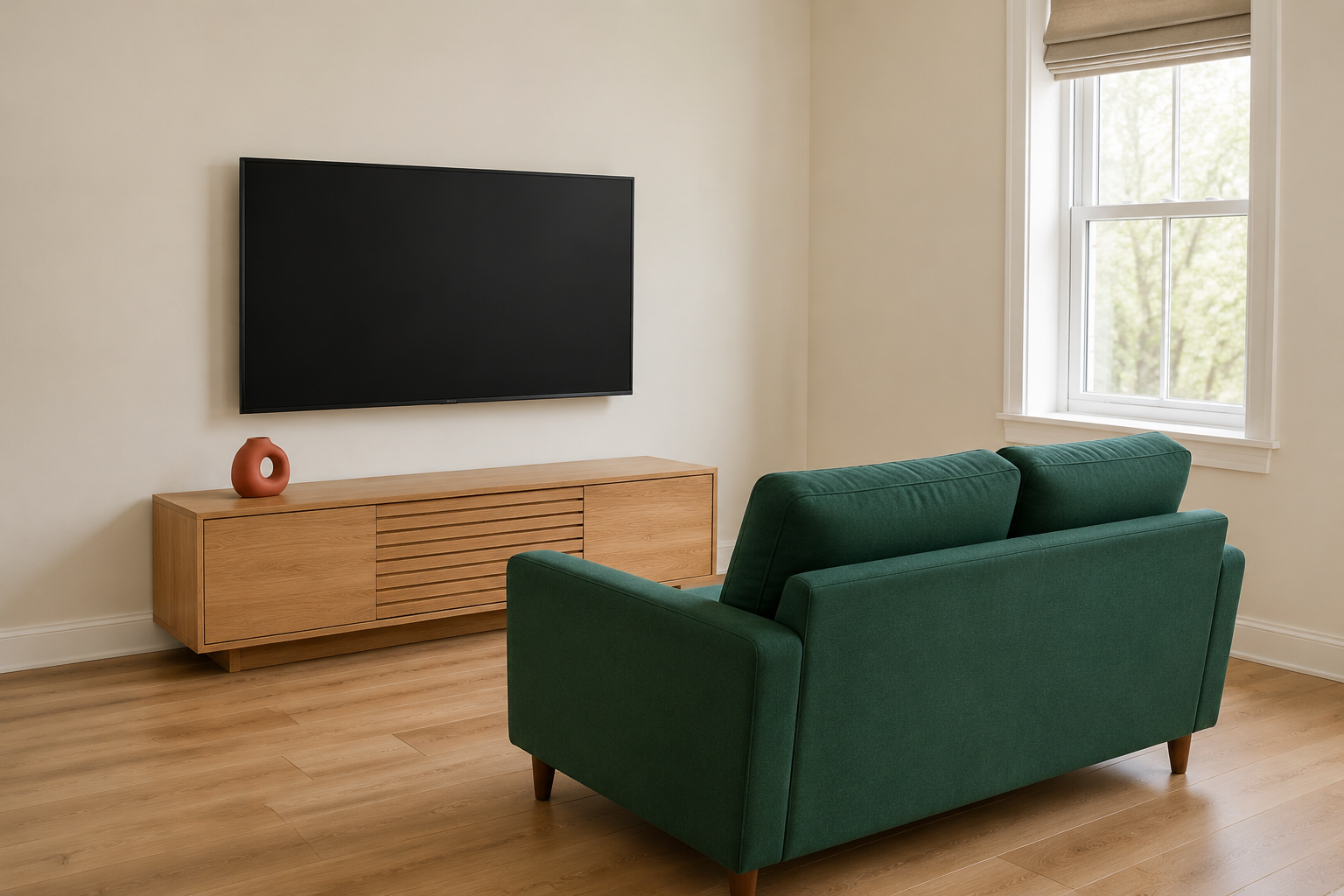
The TV belongs directly across from your seating, at a distance of roughly 1.5 to 2.5 times the screen’s diagonal size, mounted or placed so its center sits close to eye level for someone seated. For a 55-inch TV, that’s a viewing distance of about 7 to 11 feet, which most small living rooms can accommodate along at least one wall once the seating is already settled.
The Distance and Sightline Rule That Actually Matters
Measure your TV’s diagonal screen size, then multiply it by 1.5 for the closest comfortable distance and by 2.5 for the farthest, and treat that range as the zone your seating needs to fall within. A 43-inch TV wants seating roughly 5.5 to 9 feet away. A 65-inch TV wants 8 to 13.5 feet.
Rooms under 150 square feet often can’t hit the farther end of that range, and that’s fine. Sitting closer to a smaller screen size within the recommended range is a better trade than sitting too far from an oversized TV chosen because it looked impressive in the store. A 65-inch TV in an 11-by-13 room, viewed from 8 feet, sits at the very edge of comfortable, and most people notice the strain within the first hour of a movie.
If your room’s actual dimensions put your seating closer than 1.5 times the screen size, size down the TV rather than force the seating further back than the room allows. A 43 or 50-inch screen at 6 to 7 feet delivers a genuinely better viewing experience than a 65-inch screen crammed into the same distance.
Mounting Height: Center It at Eye Level, Not Wall Height
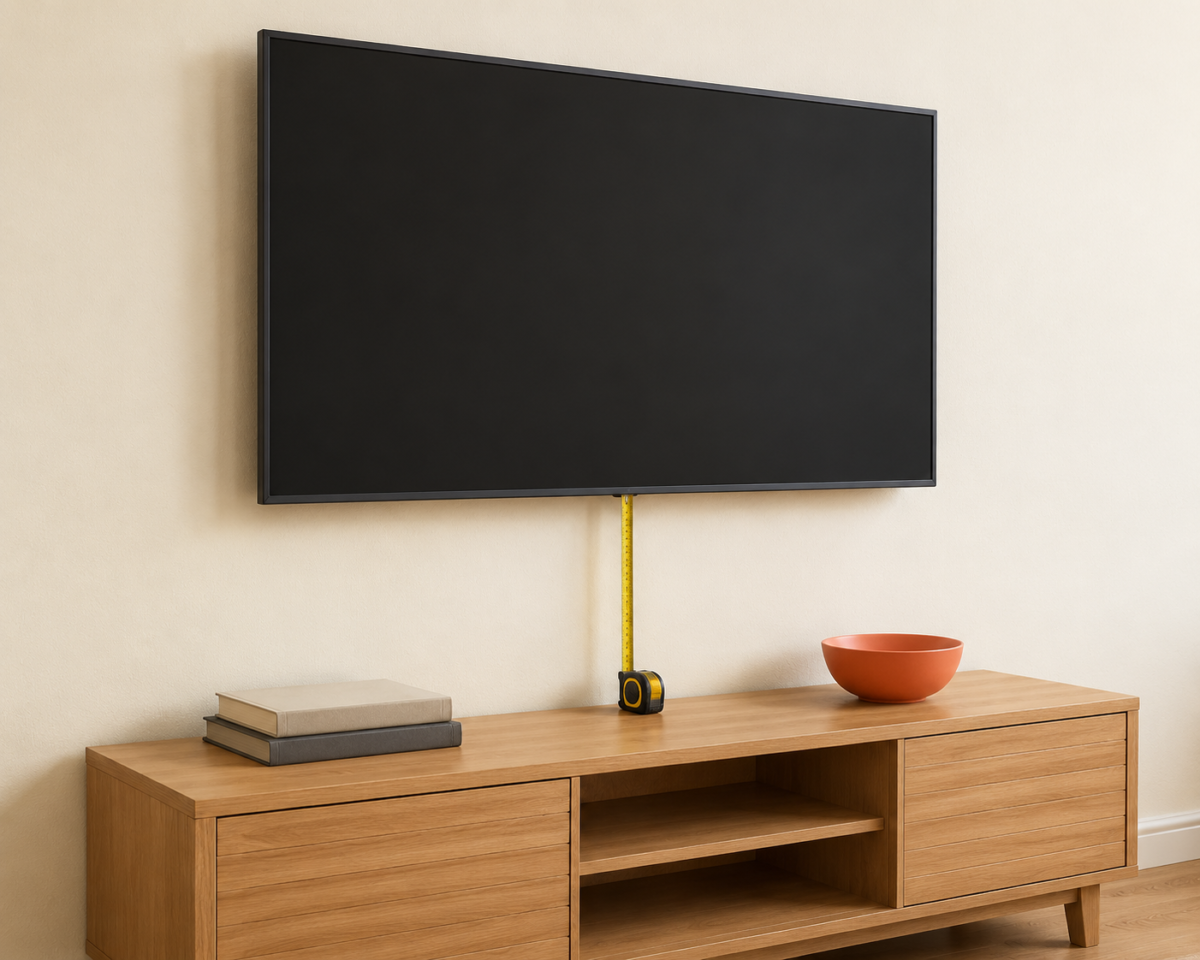
Mount the TV so its center sits roughly 42 inches from the floor for a standard sofa height, measured to where a seated person’s eyes naturally land, not centered on the available wall space above a console or fireplace.
This is the single most common TV placement mistake in small rooms with a fireplace or a tall media console: the TV gets centered on the wall’s empty space rather than the seated eye line, which often puts the screen 8 to 12 inches higher than it should sit. Watching a mounted TV that’s too high strains the neck the same way an overhead light strains a room’s lighting. It’s a small, cumulative discomfort that adds up over an evening.
If a fireplace or a built-in shelf forces the TV higher than 42 inches regardless, a tilting or full-motion mount that angles the screen down toward the seating recovers most of the comfort a fixed mount would lose. It costs more than a flat mount, but in a room where the fireplace isn’t going anywhere, it solves the problem permanently instead of asking you to live with the compromise.
When There’s No Good Wall Across From Seating
If the room’s only usable wall isn’t directly across from where the seating naturally sits, place the TV on a swivel mount or a rotating stand instead of forcing the seating into an awkward angle just to face a fixed screen.
Small living rooms rarely have a wall that lines up perfectly across from the best seating spot. Doors, windows, closets, and shared walls with a kitchen or hallway all compete for the same limited wall space. Rather than compromising the seating arrangement, which affects the whole room’s flow, a swivel mount lets the TV rotate 15 to 30 degrees toward the seating group without needing a perfectly opposing wall. This solves a problem a fixed mount can’t: seating placed for the room’s best walking path and lighting doesn’t have to also be the seating that squares off perfectly with the TV.
A rotating TV stand does the same job for a TV that isn’t wall-mounted, and it has the advantage of being fully reversible if you rearrange the room later or move to a different apartment.
Dealing With Glare From Windows
Avoid placing the TV directly across from an uncovered window, since daylight glare on the screen during peak viewing hours will push you toward keeping curtains closed exactly when you’d want natural light in the room.
This is a placement issue people notice only after living with it for a few weeks. A TV that looks perfectly placed on moving day starts fighting afternoon sun by the following month, and the usual fix, closing the curtains every time the TV goes on, undoes any of the lighting and daylight benefits the window was providing in the first place. If the window wall is the only realistic option for the TV, a matte or anti-glare screen protector and sheer curtains that diffuse rather than fully block the light both reduce the problem without sacrificing the window entirely.
Where possible, keep windows on a side wall relative to the seating and TV, rather than directly behind either one. Side light illuminates the room evenly without ever hitting the screen straight on.
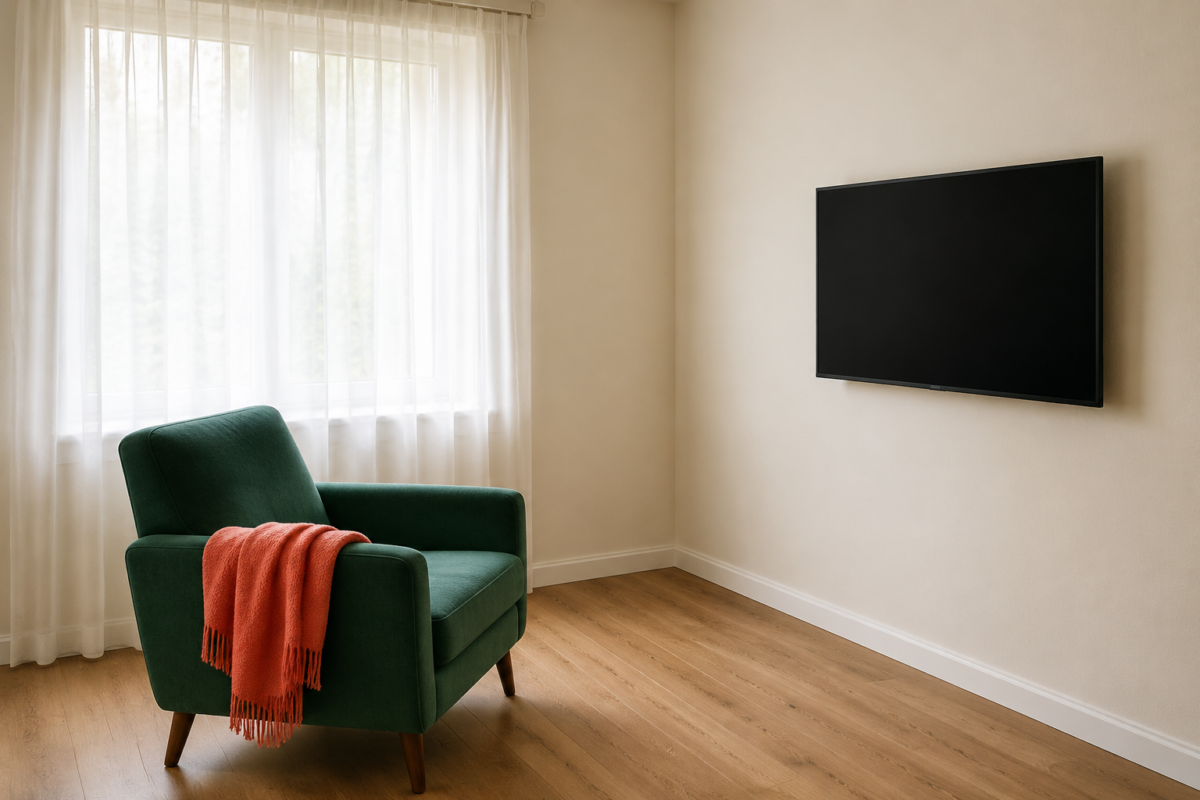
TV Placement in a Room With Only One Real Wall
In a studio or a narrow living room where only one wall genuinely works for both seating and a TV, mount the TV on that wall and orient the seating to face it directly, accepting a shorter viewing distance rather than splitting the room’s limited walls between two competing setups.
A narrow rectangular room, common in older apartments and studio layouts, often has exactly one long wall that can hold seating and exactly one short wall that can hold a TV without blocking a doorway or window. When that’s the case, the TV goes on the wall the seating already faces by default. Fighting that constraint by trying to create a second sightline usually costs more floor space than it’s worth. Accept the shorter end of the 1.5-to-2.5 distance range, and size the TV to fit that distance comfortably rather than maximizing screen size for a room that can’t support it.
What to Skip When Placing a TV in a Small Room
Skip mounting the TV higher than eye level just to clear a console, skip buying the largest screen that technically fits the wall, and skip placing the TV before the seating arrangement is settled.
A few specific habits worth avoiding:
- Choosing screen size based on the wall’s available width rather than the actual viewing distance the room allows.
- Mounting the TV above a fireplace without a tilting mount, then living with the neck strain rather than the mount’s extra cost.
- Rearranging the seating repeatedly to chase a TV placement decided too early, instead of settling seating first and letting the TV wall follow from it.
Frequently Asked Questions
How far should you sit from a TV in a small living room? Plan for roughly 1.5 to 2.5 times the TV’s diagonal screen size. A 55-inch TV is comfortable from about 7 to 11 feet, and a smaller screen size is usually a better fit than an oversized TV crammed into a shorter distance.
What height should a TV be mounted at? Center the TV roughly 42 inches from the floor for most standard sofa heights, measured to a seated person’s eye level, rather than centering it on the available wall space above a console or fireplace.
What if there’s no wall directly across from the seating? A swivel mount or rotating TV stand lets the screen angle 15 to 30 degrees toward the seating group without forcing the room’s best seating spot to compromise for a fixed sightline.
How do you stop glare on a TV screen from a window? Keep the window on a side wall relative to the TV rather than directly facing it, and use sheer curtains or a matte screen protector if the window wall is the only realistic placement option.
Related Reading
For the full order this placement logic fits into, The Complete Guide to Small Living Room Layouts covers seating, TV, and walking path together as one system.
If the seating arrangement itself is still unsettled, Seating Arrangements That Still Leave Room to Walk measures exactly how much floor space different sofa and chair configurations need before the TV wall gets decided.
If your living room has to switch between movie night and daily life, Layouts That Work for Watching TV and Everything Else covers TV sightlines that hold up even when the room resets for guests or work.
For more layout guides, visit Living Room Layouts, or explore the wider Small Living Rooms hub for storage, decor, and multi-purpose ideas for the rest of the room.