Table of Contents
Your calendar says the call starts in ninety seconds, and you’re staring at yesterday’s laundry pile in your webcam’s field of view. You don’t have time to clean the room, style a bookshelf, or buy anything. You just need what’s in frame to look intentional, right now.
Here’s the direct answer: a camera-ready background isn’t about how clean your whole room is. It’s about controlling a rectangle roughly three feet wide and two feet tall, directly behind you, using three moves you can do in under two minutes: reframe the shot, clear that specific rectangle, and fix the light. Everything outside that rectangle can stay exactly as messy as it already is.
What actually makes a background look “camera-ready”?
A background reads as camera-ready when it shows a small amount of deliberate detail, not an empty wall and not a cluttered room. Research on video-call first impressions found that backgrounds with plants or books scored highest on both trust and competence, while backgrounds showing a person’s actual home environment or novelty items scored lowest on both. The lesson isn’t “hide your home.” It’s “choose what a stranger sees in the two seconds before you start talking.”
That means the goal for your two-minute setup isn’t perfection. It’s control. You’re not staging a magazine shoot. You’re choosing what sits inside a fairly small rectangle and making sure nothing in it distracts from your face.
How do you frame the shot in under 30 seconds?
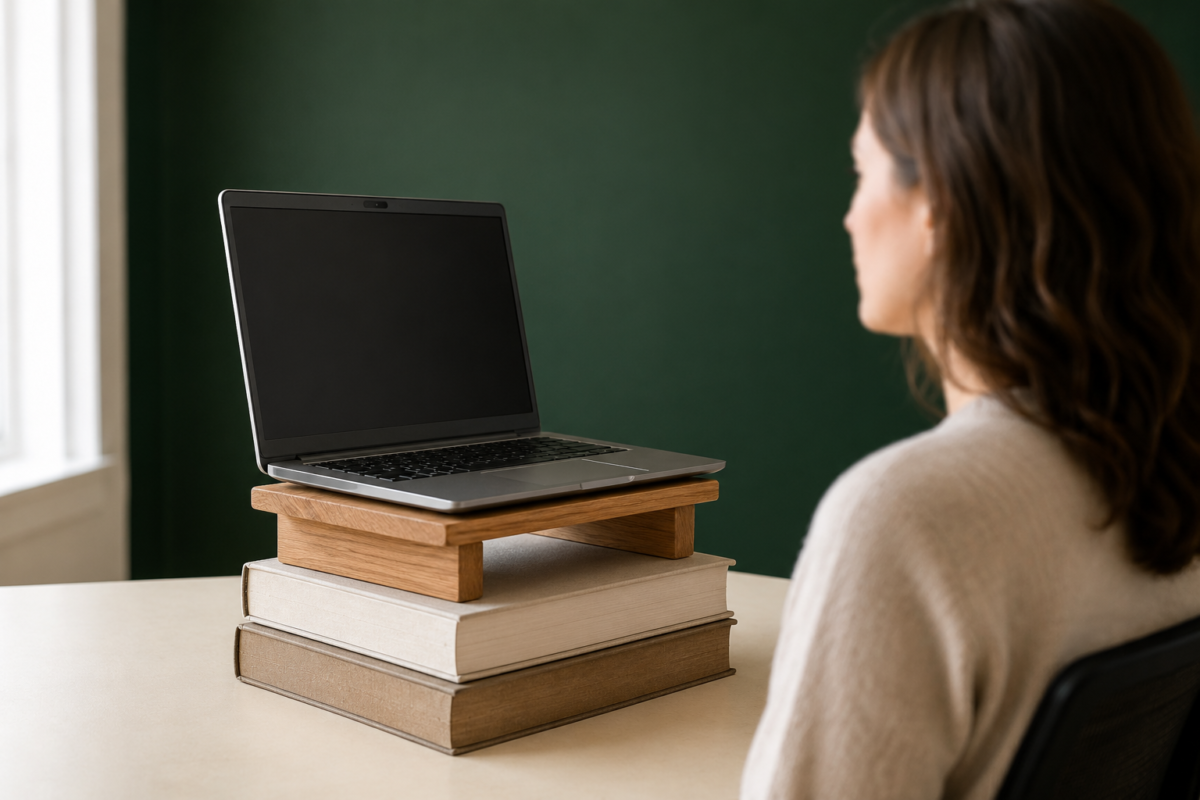
Raise your camera to eye level and angle it so it only captures what’s directly behind your shoulders, not the whole room. Most laptop cameras sit too low by default, which points the lens up and captures your ceiling, an overhead light fixture, or the top of a doorway instead of a clean wall section. A stack of two or three books under your laptop, or a $15 laptop riser, fixes this instantly.
Once the camera’s at eye level, check what’s actually in frame before anything else. Open your camera app or join a test call and look at exactly what a stranger would see: not the room, just the rectangle behind your head and shoulders. <a href=”/work-from-home-small-space-guide”>If your desk itself needs a better spot to sit before any of this matters, this guide to setting up a full work-from-home space in a small apartment covers finding the right zone first.</a>
If your camera angle still catches too much of the room no matter how you adjust it, physically turn your desk or chair 30 to 45 degrees so it faces a narrower section of wall instead of the open middle of the room. A small rotation often solves what a camera setting can’t.
What should stay in frame, and what should you move out of it?
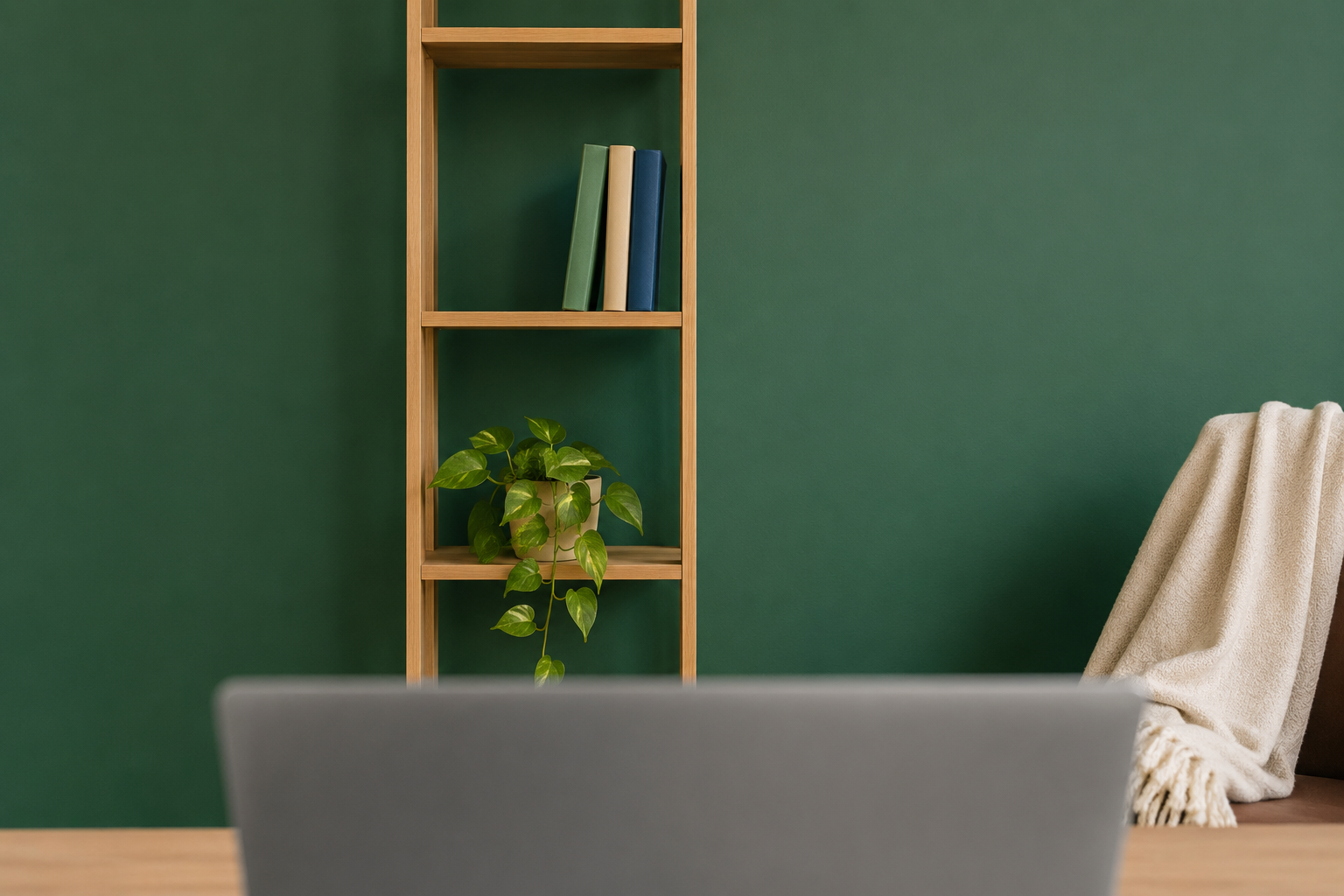
Keep one or two objects with real texture or color in frame, like a plant, a stack of books, or a single piece of art, and move everything else out, especially anything shiny, textual, or personal. A single framed photo or a small lamp adds warmth. A visible laundry basket, an open closet, or a whiteboard with someone else’s handwriting on it pulls attention away from you and reads as unplanned.
The fastest way to do this in under a minute is to designate one small section of wall or shelf, even a foot and a half wide, as your permanent “on camera” zone, and keep it staged that way between calls. That way the only real work each time is glancing at it and pulling one stray item out, not restaging the whole thing.
If your desk sits in a bedroom or a corner of your living room, a folding screen or a tall shelf placed just outside camera range can block the rest of the room entirely, so you only ever need to manage the one small zone in frame. <a href=”/closet-organization-category”>If the clutter creeping into your camera frame is really a storage problem, this closet organization guide covers systems that keep the overflow contained behind a door instead of in view.</a>
Do you need a backdrop, or is a real wall better?
A real wall with one or two styled objects usually reads better than a blurred background or a virtual backdrop, because viewers pick up on the artificial edges around your hair and shoulders within seconds. Blur and virtual backgrounds solve a privacy problem, not a credibility one, and the same research on first impressions found that a real, visible room scored higher than a blank or virtual background on both trust and authenticity.
If privacy is the actual concern, a physical solution beats a digital one almost every time. A tension-rod curtain, a folding screen, or simply repositioning your desk to face a plain section of wall gives you the same privacy as a blur effect without the slightly uncanny edge artifacts that show up whenever you move your hands near your face.
How do you fix lighting in two minutes?
Face a window if you have one, or place a small lamp behind your camera pointed at your face, and turn off or move any light source that sits directly behind you. Backlighting from a window or overhead fixture behind your head turns your face into a silhouette, no matter how good your camera is. This is the single most common video-call mistake, and it’s also the fastest one to fix.
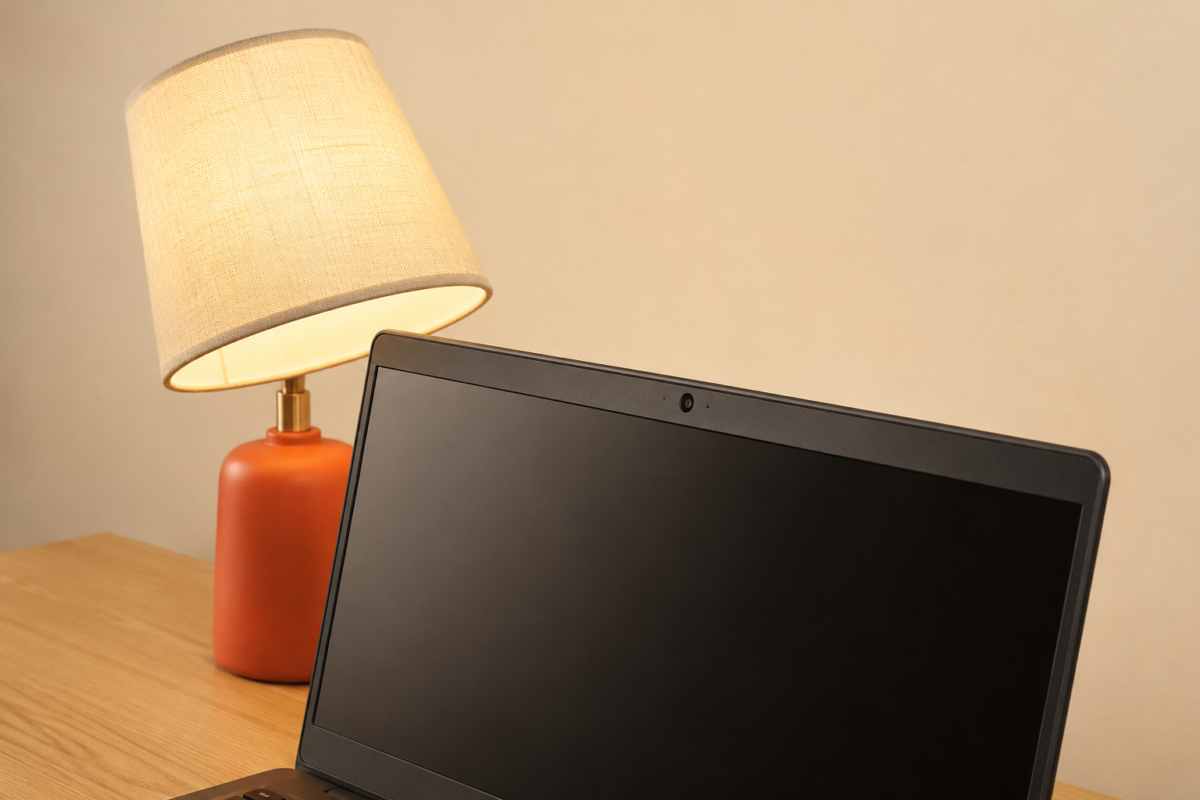
If there’s no window to face, a $20 clip-on light or even a desk lamp with a warm bulb, angled at your face from slightly above eye level, does the job. Skip harsh white ring lights if you can. A warm-toned lamp reads as natural on camera, where a cold white light tends to look clinical and slightly washed out.
The full two-minute routine, in order
- Raise the camera to eye level (15 seconds): stack books or use a riser so the lens isn’t pointed up at the ceiling.
- Check the frame (15 seconds): join a test call or check your camera preview and look only at the rectangle behind your shoulders.
- Clear that one zone (30 seconds): pull out anything shiny, textual, or unplanned, and leave one or two styled objects in place.
- Face your light source (30 seconds): turn toward a window or angle a warm lamp at your face, and turn off or move any light directly behind you.
- Do a final glance (15 seconds): look at the preview once more before you join, since a two-minute fix only counts if you actually check the result.
Run through this five-step order the same way every time, and it stops being a scramble. Within a week it takes closer to ninety seconds, because your “on camera” zone stays staged and you’re only ever fixing the camera angle and the light.
FAQ
Do I need a real background setup, or is a virtual background good enough? A real wall with a plant or a few books tends to score higher on trust and authenticity than a blurred or virtual background, since viewers notice the artificial edges. Save virtual backgrounds for genuine privacy situations rather than as a default.
What’s the single biggest camera mistake people make on video calls? Backlighting. A window or light behind you turns your face into a silhouette regardless of camera quality. Facing your light source solves this faster than any other fix on this list.
How do I hide clutter that’s always somewhere in my small apartment? Designate one small wall or shelf section, roughly a foot and a half wide, as your permanent camera zone, and keep that one area staged between calls instead of trying to manage the whole room every time.
Is it worth buying a ring light for video calls? Not usually as a first purchase. A warm desk lamp angled at your face from slightly above eye level solves most lighting problems for under $20, and it looks more natural than a harsh white ring light.
What this actually looks like once it’s a habit
After a week of running the same five steps, you stop thinking about your background before a call at all. You sit down, the camera’s already at the right height because the riser never moved, your one styled shelf is still styled from yesterday, and you glance at the preview out of habit rather than panic. The whole routine takes less time than it took to read this sentence twice.
Related Reading
- The Complete Guide to Working From Home in a Small Space — the full setup this quick fix fits into, from finding your desk zone to the routine that ends your workday.
- How to Hide Your Desk in a Studio Apartment When Your Workday Ends — for anyone whose “on camera” zone doubles as their living space the rest of the day.
- Cable Management Ideas That Actually Work in a Small Apartment — since a camera-ready frame falls apart fast if a tangle of cords is visible at the edge of the shot.
- Parent Category: Shared-Space Offices
- Parent Hub: Home Office & Small Workspaces