Table of Contents
If your laptop is still open on the coffee table at 8 p.m. even though the workday ended hours ago, that’s not a discipline problem. That’s a setup problem. A desk with nowhere to actually go stays out by default, and a living room with a laptop and a stack of papers permanently visible never quite feels like a place to relax, even when you’re technically off the clock.
A living room can genuinely double as a home office without looking like one, as long as the desk itself is chosen to disappear, positioned away from the room’s main sightlines, and paired with a quick, consistent reset routine at the end of the workday. The goal isn’t hiding that you work from home. It’s making sure the room doesn’t look like an office the other sixteen hours a day you’re not.
Why Most Living Room Desks Fail by 8 PM
A desk stays visibly “left out” past the workday when resetting it takes real effort, more than a couple of minutes, which means the setup that looked clever on move-in day quietly stops getting used the way it was intended within a few weeks.
This is the core problem behind almost every failed living-room-office combination. The desk itself might be well chosen, but if closing it up means unplugging three cables, stacking loose papers somewhere with no defined spot, and physically moving a chair across the room, that reset simply doesn’t happen most evenings. The laptop stays out. The desk chair stays pulled out. And the room starts reading as an office with a couch in it, rather than a living room that happens to have a desk.
Choosing a Desk That Actually Folds Away
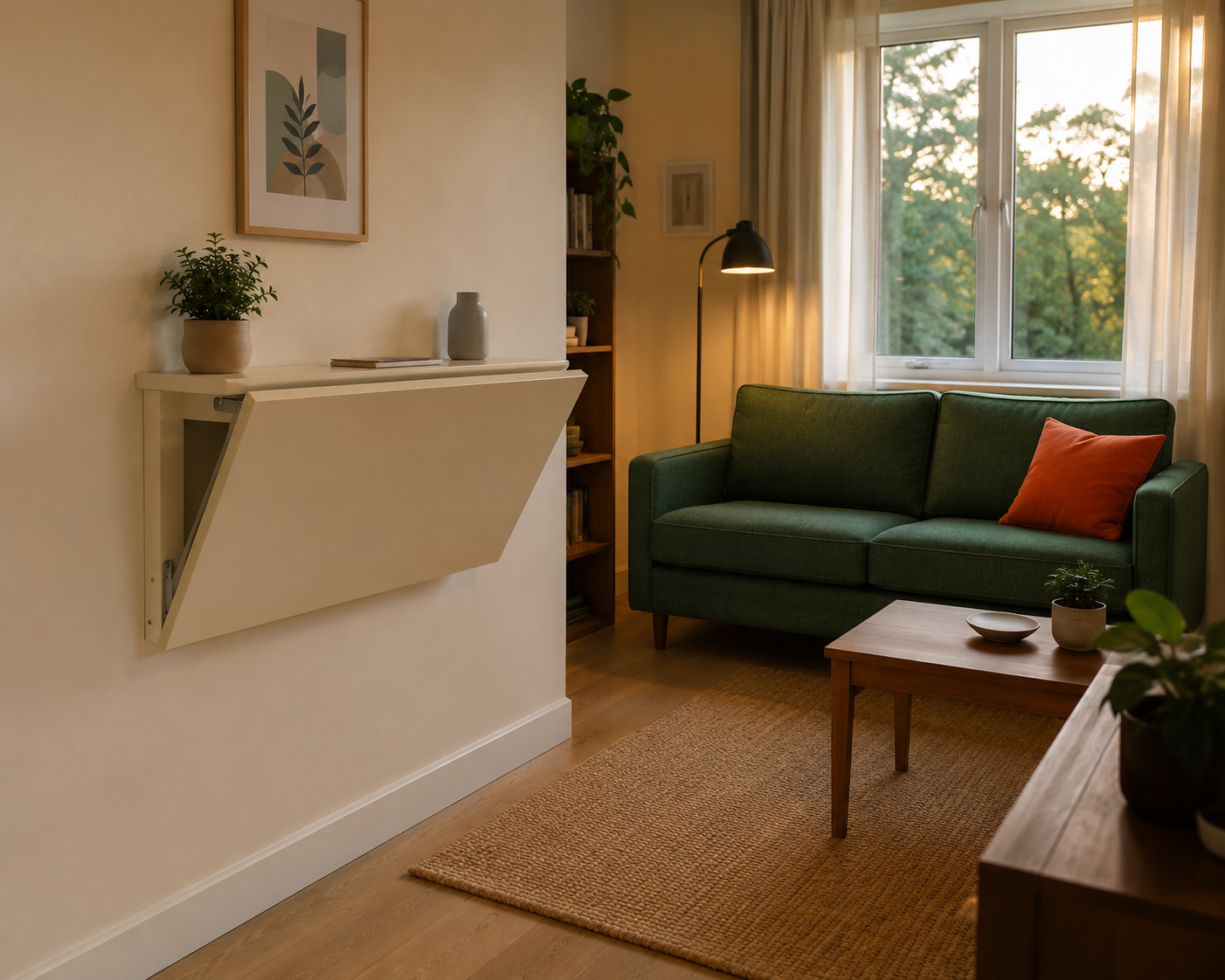
Choose a slim wall-mounted drop-leaf desk or a folding desk that closes to under 6 inches of depth, rather than a standard fixed desk that has to be worked around rather than folded away, since the desk’s physical ability to disappear is what makes the whole combination work.
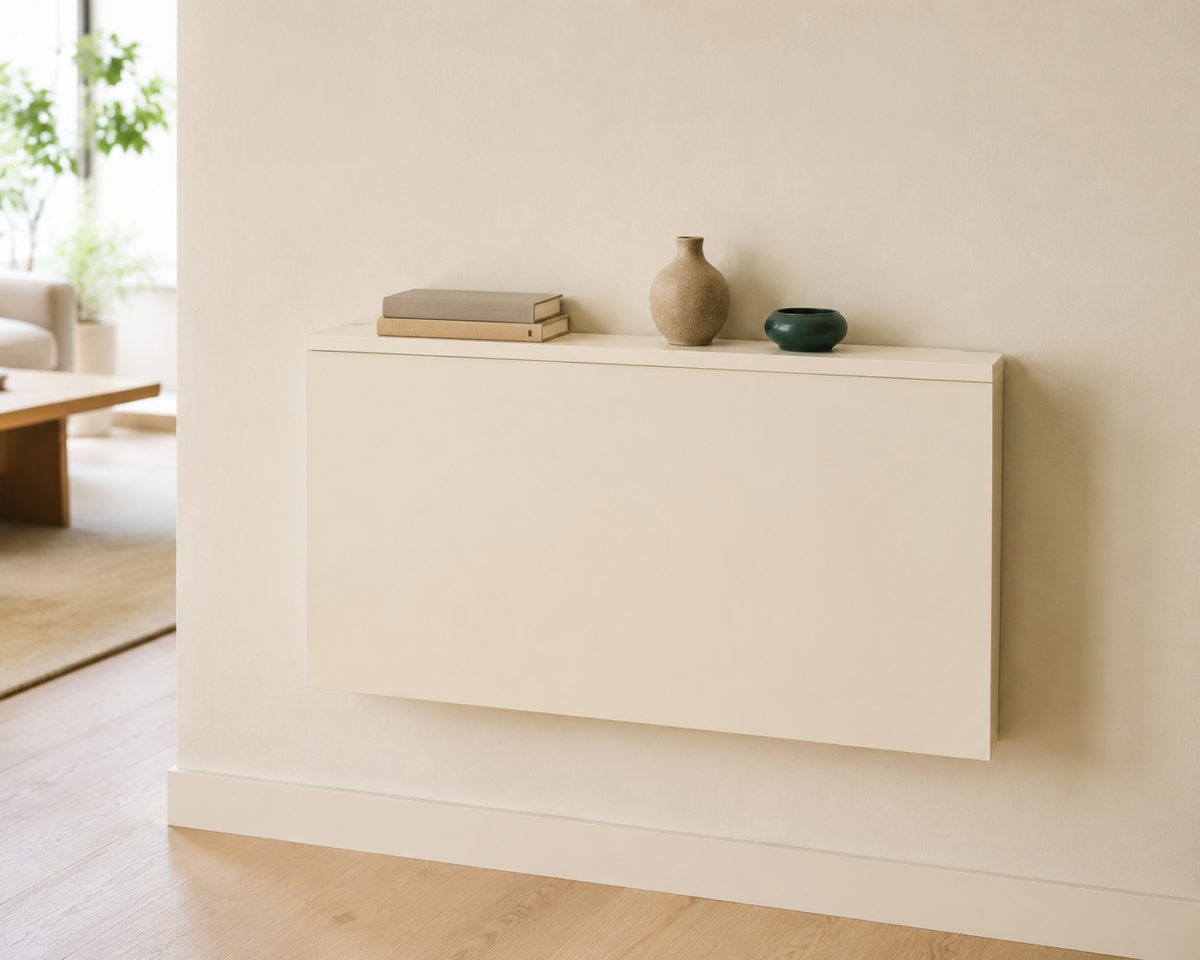
A drop-leaf desk mounted to a side wall folds flat when not in use, reading as a slim shelf or console rather than an obvious workstation. A folding desk on legs collapses entirely and can lean against a wall or slide into a closet if floor space needs to be fully cleared. Both options solve the same core problem: the desk’s presence in the room becomes optional rather than constant, which means the room can genuinely look like just a living room for most of the day.
A few specifics worth checking before buying:
- Confirm the desk’s open depth is enough for actual work, at least 16 to 20 inches, since some ultra-slim folding desks trade usability for a smaller closed footprint.
- Check the wall-mount weight rating if going with a drop-leaf style, since some cheaper hardware isn’t rated for a laptop plus books or a monitor stand.
- If floor space allows, a folding desk on legs offers more flexibility to move locations entirely, while a wall-mounted version stays fixed to one spot permanently.
Placement: Side Wall, Never the TV Wall
Position the desk on a side wall, away from the wall your TV and main seating already claim, ideally out of the room’s main walking path, so working there doesn’t require facing away from the room’s actual focal point and doesn’t interfere with the room’s everyday flow.
A desk placed on the same wall as the TV competes directly with the room’s primary function, which tends to mean it gets used half-heartedly at best, since sitting there means working with your back to where the room actually wants your attention in the evening. A side wall, often the same stretch of unused space covered in shelving guides for exactly this reason, gives the desk its own defined spot without pulling focus from the room’s main seating and TV sightline.
Check the desk’s placement against the room’s walking path specifically. A desk that’s technically on a side wall but still juts into the route between the entry and the seating creates the same obstacle problem covered in layout planning generally, regardless of how well the desk itself folds away.
Hiding the Cord Tangle a Desk Always Creates
Route the laptop charger, any monitor or accessory cables, and a power strip along the desk’s back edge using adhesive cord clips, and keep the power strip itself mounted or tucked behind the desk rather than sitting visible on the floor or trailing across it.
A desk, even a well-chosen folding one, tends to generate more visible cord clutter than any other piece of furniture in a living room. Left unmanaged, that tangle undoes much of the visual benefit of a desk that folds away, since the cords often stay out even when the desk itself is closed. Cord clips along the desk’s back edge or the wall behind it keep everything routed and flush rather than looped or trailing. A power strip mounted to the underside of the desk, if it’s a fixed wall-mounted style, keeps the strip itself out of view entirely rather than sitting on the floor as its own small clutter zone.
What Your Video Call Background Should Show Instead
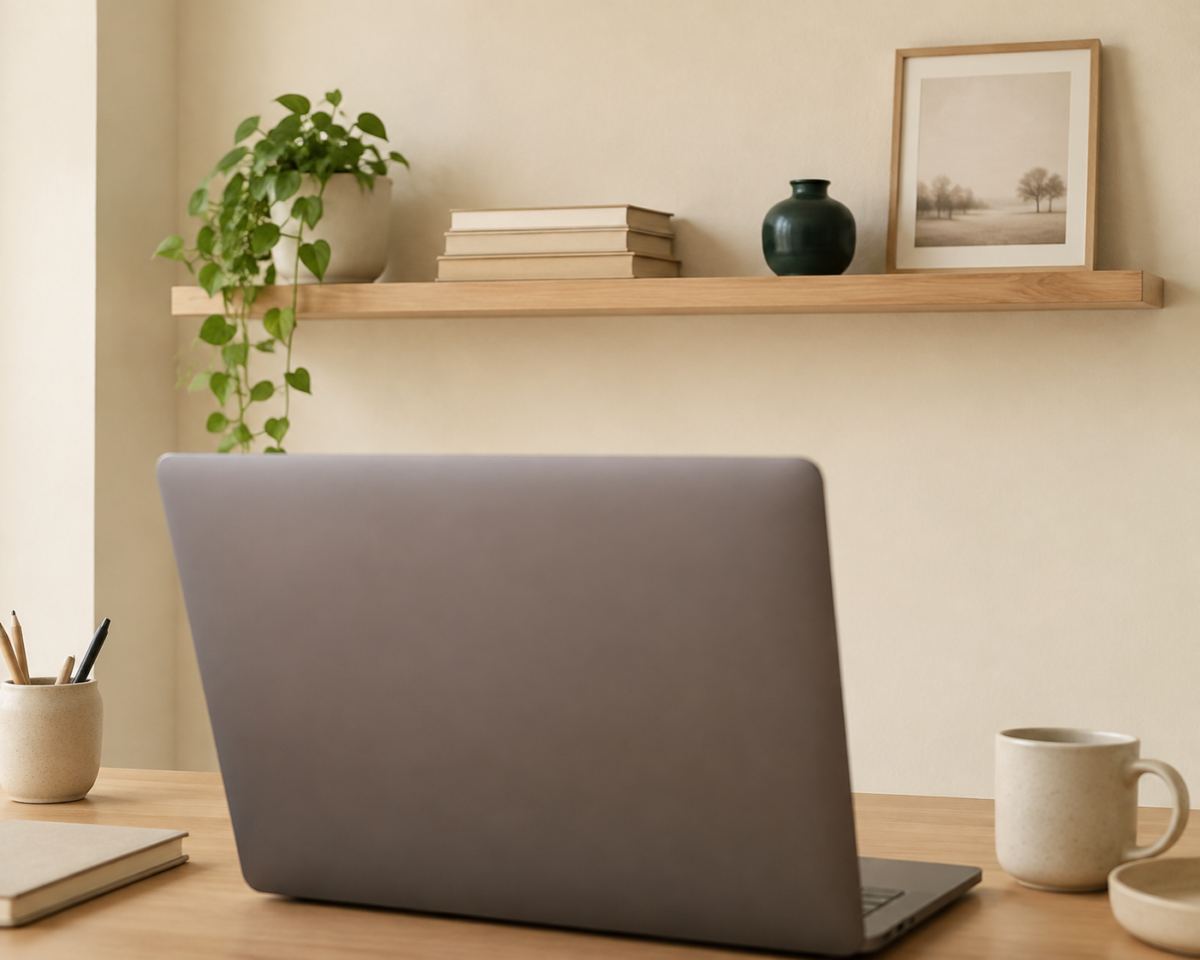
Position the desk so your video call background shows a wall, a shelf, or a plain section of the room, not the TV or the main seating area, since a background that reads as “office corner” rather than “living room” changes how the whole space feels on calls without requiring any actual room changes.
This is a smaller detail, but it matters for anyone on video calls regularly from a living room desk. A background that includes the TV, remote-strewn coffee table, or full seating area makes the whole room read as a workspace during the call, which works against every other effort to keep the space feeling like a living room the rest of the time. Angling the desk so the camera catches a simple wall, a styled shelf, or even a plain curtain keeps the call background intentional without requiring a separate office backdrop.
The Two-Minute Reset Routine
Build a consistent, short reset routine, closing the laptop, folding the desk, and clearing loose papers into a single drawer or folder, that takes under two minutes at the end of the workday, since a longer routine is the exact friction that causes the desk to stay out most evenings.
The specific routine matters less than its consistency and speed. Close the laptop and set it inside a drawer or a basket rather than leaving it visible on the folded desk’s surface. Fold the desk itself last, once everything on it is cleared. Keep one small folder or tray specifically for loose work papers, so there’s never a moment of deciding where they go, which is often what stalls a reset entirely. A routine that takes under two minutes gets done consistently. One that takes ten does not.
What to Skip When Combining a Living Room and Home Office
Skip placing the desk on the same wall as the TV, skip a desk that requires real effort to fold or reset, and skip leaving cords loose and visible even when the desk itself is closed.
A few specific habits worth avoiding:
- Choosing a desk based on how it looks in a product photo rather than how quickly it actually folds closed in daily use.
- Letting the desk chair become a permanent fixture in the room’s main seating area, rather than one that tucks fully under the desk or stores elsewhere.
- Skipping the reset routine “just for tonight” repeatedly, which is usually how a folding desk quietly stops folding at all.
Frequently Asked Questions
What kind of desk works best for a living room home office? A slim wall-mounted drop-leaf desk or a folding desk on legs that closes to a small footprint works best, since the desk’s ability to genuinely disappear is what keeps the room from reading as an office full time.
Where should a desk go in a multi-purpose living room? On a side wall, away from the TV and main seating, and out of the room’s main walking path, so working there doesn’t compete with the room’s primary evening function or block the route through the space.
How do you stop a living room office setup from feeling permanent? Build a short, consistent reset routine, under two minutes, that closes the laptop, folds the desk, and clears loose papers at the end of each workday, since a longer routine is usually why the setup stops getting reset at all.
Should the desk be visible on video calls? Angle it so the camera shows a wall, shelf, or plain section of the room rather than the TV or main seating, which keeps the call background reading as intentional rather than making the whole living room look like an office.
Related Reading
For the full principle this office combination is built on, The Complete Guide to Multi-Purpose Living Rooms covers guest, office, and dining combinations together as one system.
If overnight guests are the other function this room needs to cover, Living Room and Guest Room, in the Same Space covers sleeper sofas, daybeds, and setup details for comfortable overnight stays.
For which folding and convertible desk options are genuinely worth the cost, Furniture That Does Two Jobs at Once breaks down desks, sleeper sofas, and other dual-purpose pieces in detail.
For more multi-purpose ideas, visit Multi-Purpose Living Rooms, or explore the wider Small Living Rooms hub for layout, storage, and decor guides for the rest of the room.