Table of Contents
A real home office doesn’t require a spare room — it requires three decisions made in the right order: where the desk actually goes, how the small surface stays organized once you’re using it daily, and what makes sitting there for hours actually comfortable. Skip any one of these and the other two stop working. A perfectly organized desk in an uncomfortable chair still gets abandoned by week three. A comfortable setup with no organization system turns into a pile within a week.
This guide covers all three, and links out to the deeper guide for each one when you’re ready to go further.
The Three Things Every Home Office Needs
Every small home office needs a real, dedicated spot (even a small one), a system that keeps the surface from filling up with everything else in the room, and a chair and lighting setup that hold up over full workdays. These three — setup, organization, and comfort — are the whole plan. Everything else is decoration.
Setup is about location: finding an actual, consistent spot for work, even without a spare room. Organization is about keeping that spot functional once real work starts happening there daily. Comfort is about the two things that matter most for hours of daily use — the chair you sit in and the light you work under.
Get these three right in this order, and a home office works in a studio apartment as reliably as it would in a spare bedroom. Get them in the wrong order — comfort before organization before setup — and you end up with an expensive chair pointed at a desk that’s in the wrong spot to begin with.
Setup: Finding Real Workspace With No Spare Room
The three most workable spots for a home office with no spare room are a closet converted into a “cloffice,” an underused corner of a bedroom or living room, and a wall-mounted narrow desk that reclaims dead space along a hallway or entryway wall. Pick based on what your space actually has, not on what looks best in photos.
A cloffice (a closet converted into a compact office) works well when you have a closet you’re not using at full capacity — remove the rod, add a slim desk surface at counter height, and you get a fully enclosed workspace that closes with a door when you’re done for the day. This is one of the few setups that lets you visually “put work away” entirely, which matters if you’re sharing a small space with other activities.
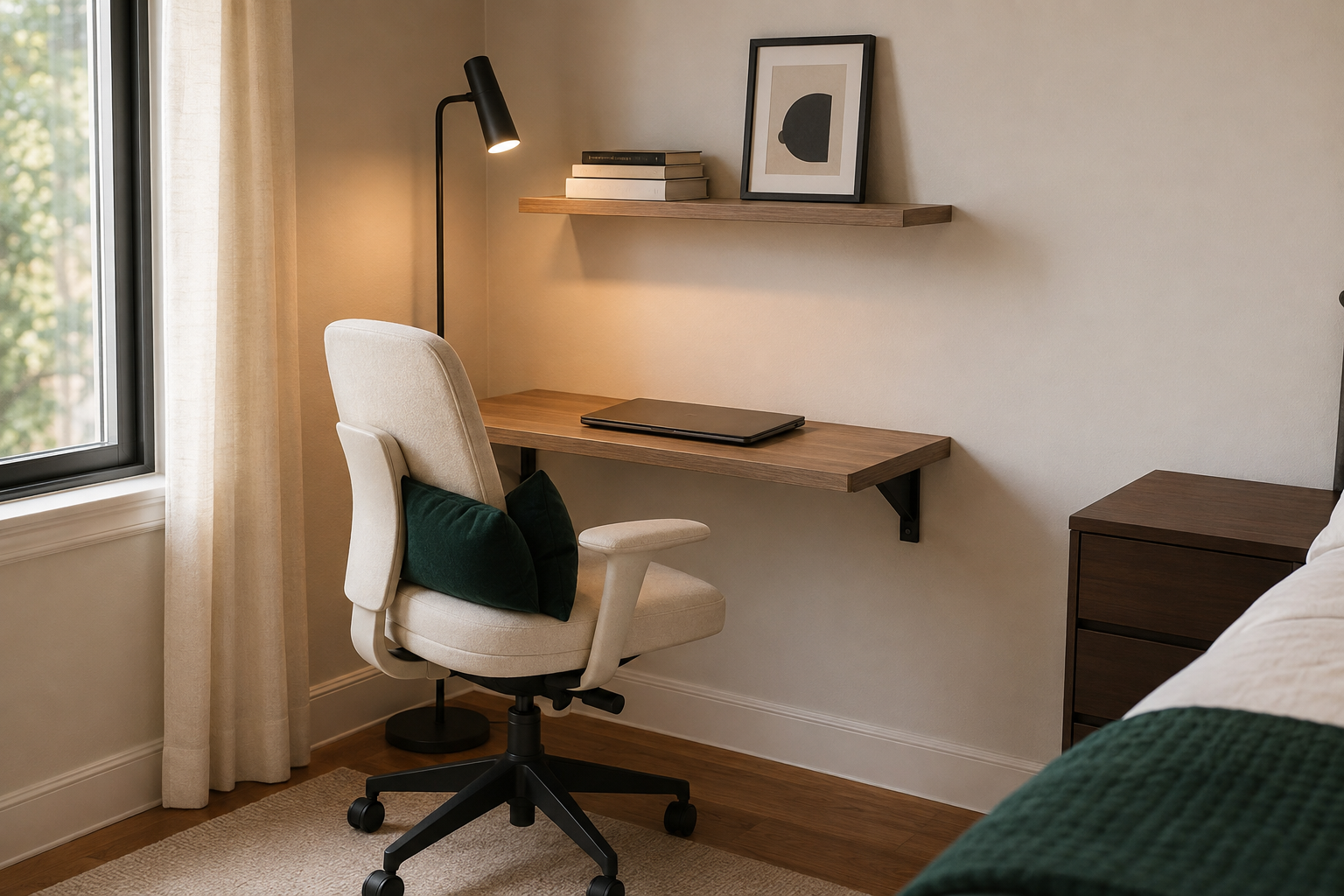
A bedroom or living room corner works when there’s a dead zone your furniture already isn’t using — often beside a window, or in the gap between a dresser and a wall. A narrow desk (24 inches deep or less) fits corners that would never hold a standard 30-inch desk.
A wall-mounted narrow desk reclaims hallway or entryway space that most apartments waste entirely. These fold down or stay slim against the wall, and they’re often the only option in a true studio where every square foot of floor is already assigned to something else.
The full Small Home Office Setup Guide walks through measuring your specific space and picking between these three, room type by room type.
Organization: Keeping a Small Desk From Becoming a Catch-All
A small desk stays organized when everything on it has one specific job, and anything without a job gets moved somewhere else. The fastest way a small home office stops functioning is when the desk becomes the default landing spot for mail, keys, and anything else with no other home — not because the desk is too small, but because nothing was ever assigned a place to go.
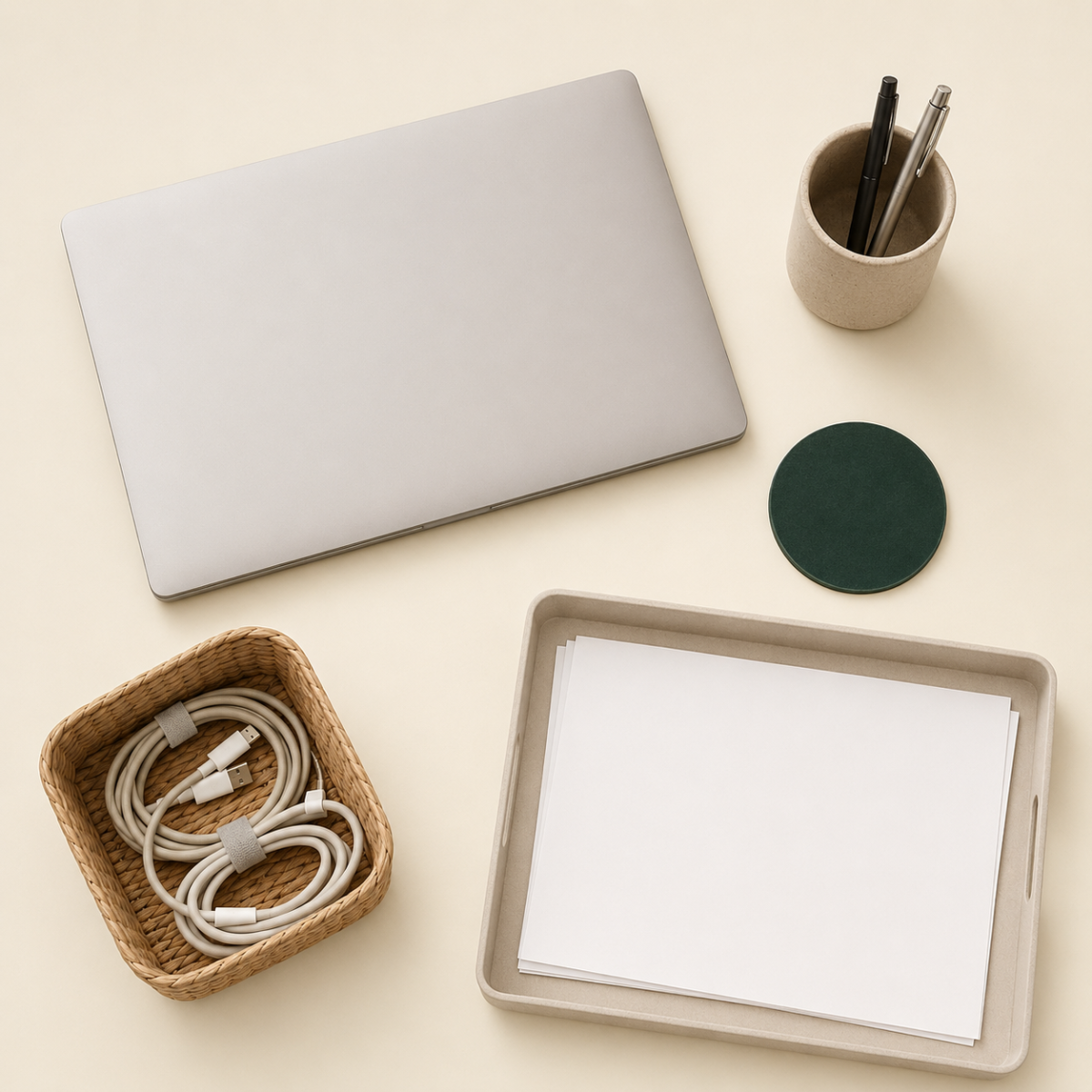
A workable system for a small desk: one tray or organizer for active paperwork only (nothing “to file eventually” allowed to live there), one small drawer or bin for daily-use supplies, and a strict rule that nothing unrelated to work stays on the surface overnight. This isn’t about buying more organizers — it’s about giving every object a specific home, so nothing has an excuse to just sit on the desk.
The full Desk Organization Guide covers specific organizer types for small desks and a daily five-minute reset routine that keeps the system working long-term.
Comfort: What Actually Matters for Hours of Daily Use
The chair matters more than the desk, and lighting matters more than almost any decorative choice, because these are the two things your body interacts with for hours every single day. An uncomfortable chair or poor lighting causes fatigue and pain that no amount of good organization or styling fixes.
Chair first. A supportive desk chair — even a modest one with lumbar support and adjustable height — makes more difference to a workday than any other single purchase in a home office. If your budget forces a choice between a nicer desk and a better chair, the chair wins every time.
Lighting second. Overhead lighting alone is rarely enough for close desk work. A task lamp positioned to avoid screen glare, ideally with a warm-to-neutral color temperature, reduces eye strain significantly compared to working under a single overhead bulb.
Monitor height third. For anyone using a second monitor or laptop stand, eye level should hit roughly the top third of the screen, not the center — this alone prevents a significant amount of neck strain over a full workday.
The full Work-From-Home Setup Guide goes deeper on ergonomics, screen placement, and small comfort upgrades that don’t require a dedicated room.
Where to Put a Home Office When You Don’t Have a Spare Room
If you’re deciding between spots, prioritize consistency over cleverness — the same corner used daily beats a rotating setup that gets packed away and reassembled every time. A workspace that has to be set up and torn down each day gets used less often than one that stays ready, even if the “always ready” version is smaller or less impressive.
A few specific placements that consistently work in small apartments: a narrow desk against the foot-of-bed wall in a studio, a converted closet in a one-bedroom with underused closet space, a corner of a dining or living area with a desk that visually matches the room’s existing furniture (so it doesn’t read as a separate “office zone” competing with the rest of the room), or a shared desk-and-dining setup for anyone without room for two separate surfaces.
Common Small Home Office Mistakes
The most common mistake in small home offices isn’t picking the wrong spot — it’s skipping the organization step and assuming a nicer desk or chair will fix a system that was never built in the first place. A few other patterns worth avoiding:
- Buying furniture before measuring the actual space. A desk that’s 4 inches too deep for a corner turns a good purchase into a returns process.
- Prioritizing the desk’s look over the chair’s support. A photogenic desk with an unsupportive chair gets abandoned within weeks once the discomfort sets in.
- Skipping a “shut down” system. Without a way to visually close off or tidy the workspace at day’s end, a shared-room office setup starts to feel like it’s taking over the whole space, even when it physically isn’t.
- Ignoring cable management. A tangle of visible cords makes even a well-organized desk look chaotic — a simple cable box or clips solves this for very little money.
Building Your Own Small Home Office Plan
A workable small home office plan fits on one page: your chosen spot, your organization system, and your comfort priorities, in that order. Everything else is a refinement, not a requirement.
- Choose your spot based on what dead space you actually have (corner, closet, or wall-mounted desk).
- Measure before buying — depth matters more than width in most small-space desk decisions.
- Set up an organization system with a specific home for every object that lives on the desk.
- Prioritize the chair over the desk when budget forces a choice.
- Add task lighting positioned to avoid screen glare.
- Build a simple daily “shut down” habit so the space doesn’t visually take over the room it’s part of.
FAQ
Can I have a real home office in a studio apartment? Yes. A narrow wall-mounted desk, a converted closet, or a well-chosen corner all work in a studio, provided the setup is consistent and has its own organization system, rather than competing for space with everything else in the room.
What matters more, the desk or the chair? The chair, in almost every case. It’s the piece you’re in contact with for hours daily, while the desk is mostly a surface — a modest desk with a genuinely supportive chair outperforms an impressive desk with an unsupportive one.
How do I keep a shared-room office from taking over the space? Build a consistent “shut down” routine — closing a laptop, clearing the surface, or physically closing a cloffice door — so the workspace visually recedes when you’re not using it, rather than permanently dominating the room.
Do I need a second monitor for a small home office to work well? No. A laptop stand raised to proper eye height solves most of the ergonomic benefit a second monitor provides, at a much lower cost and with less desk space required.
What’s the biggest mistake people make setting up a small home office? Buying the desk and decor before solving organization and comfort. A nice-looking desk with no system behind it and an unsupportive chair underneath it gets abandoned faster than a plain setup that actually works day to day.
Related Reading
- Small Home Office Setup Guide — fitting a real workspace into a corner, closet, or shared room
- Desk Organization Guide — systems that keep a small desk from becoming a catch-all
- Work-From-Home Setup Guide — ergonomics, lighting, and comfort upgrades that don’t need a dedicated room
- Complete Guide to Setting Up a Small Home Office — related Taims Space guide.
- Building an Office Into an Unused Corner — related Taims Space guide.
- Setting Up a Home Office Inside a Closet — related Taims Space guide.
- Complete Guide to Organizing a Small Desk — related Taims Space guide.
- Working From Home in a Small Space: Complete Guide — related Taims Space guide.
Category: Small Home Offices Hub: /home-office-small-workspaces/
Reviewed by the Taims Space editorial team.